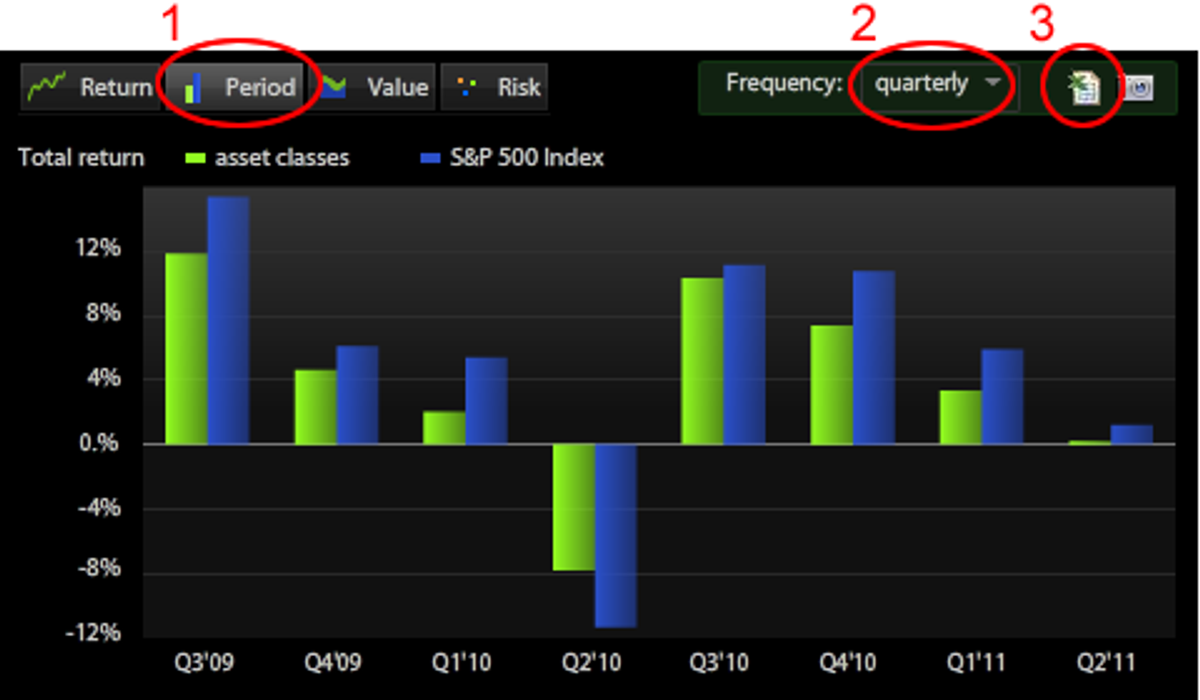
Export to Excel the monthly, quarterly, yearly periodic returns for the backtest by following these steps:
- Select the “Period’ view of the backtest chart
- Select the desired frequency for the report
- Click on the Export icon
Export to Excel the monthly, quarterly, yearly periodic returns for the backtest by following these steps: