Kwanti now supports landscape orientation for PDF reports, giving advisors more flexibility in how they present portfolio data. Previously limited to portrait layout, the PDF generator now includes a simple toggle to switch between portrait and landscape before generating a report.
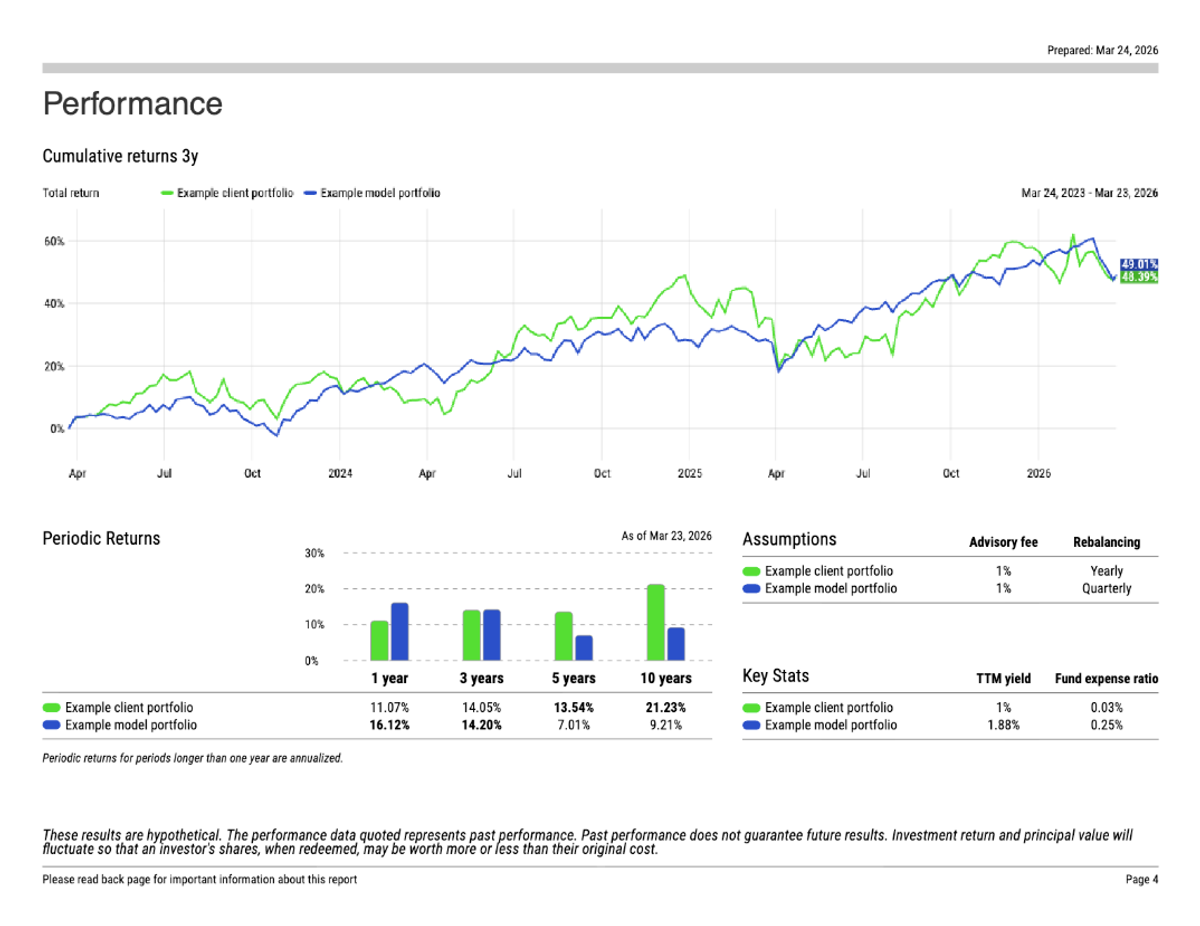
When to Use Landscape
The right orientation depends on how the report will be used. Portrait remains the standard for printed proposals, mailed materials, and documents clients will review on paper. Landscape is designed for reports shared on screen — embedded in a PowerPoint deck, presented on a monitor during a client meeting, or sent as a PDF to be viewed on a laptop. The wider format mirrors the shape of a screen or slide, so charts and tables display more naturally without resizing.
How to Access
The orientation toggle is available in the PDF report generator. Select your preferred orientation before downloading, and your report will render in that layout.
This update is available to all users at no additional cost.