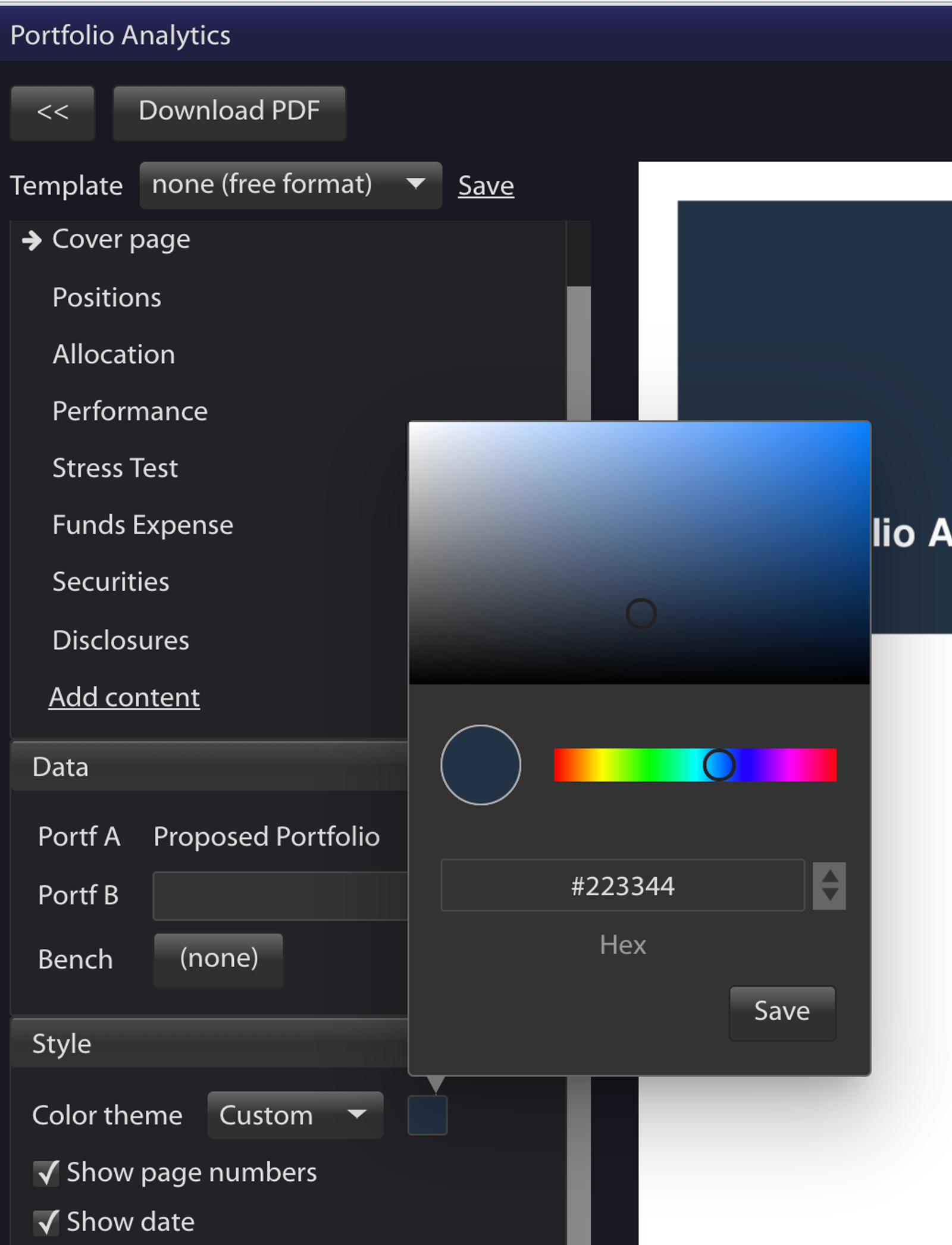
You can now select any color for the PDF report cover page and headings. For example, you can pick a color that matches your firm’s branding and logo.
To select a color, click on Color Theme, then Custom as shown below:
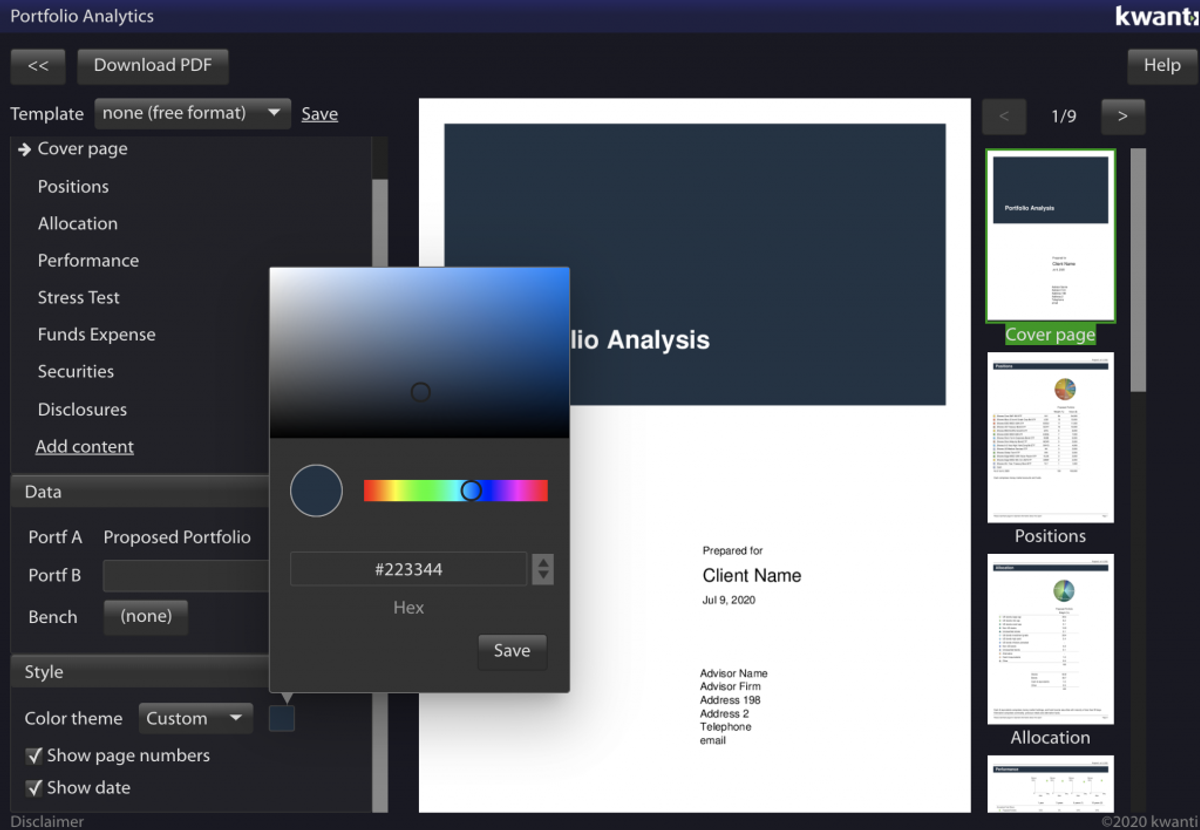
You can now select any color for the PDF report cover page and headings. For example, you can pick a color that matches your firm’s branding and logo.
To select a color, click on Color Theme, then Custom as shown below: