
If you made allocation changes to your model over time, you can import the history of changes into Kwanti.
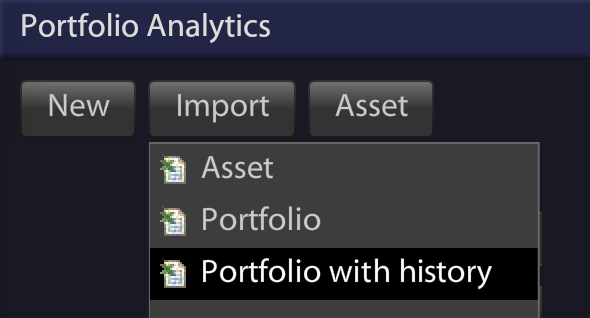
To get started, select Import->Portfolio with history from the application initial screen.
Using your provided history, Kwanti calculates the performance of the model based on the historical changes. The result is a more accurate illustration than using static weights, and you can leverage Kwanti’s numerous performance, charts and metrics for further analysis or PDF reports.
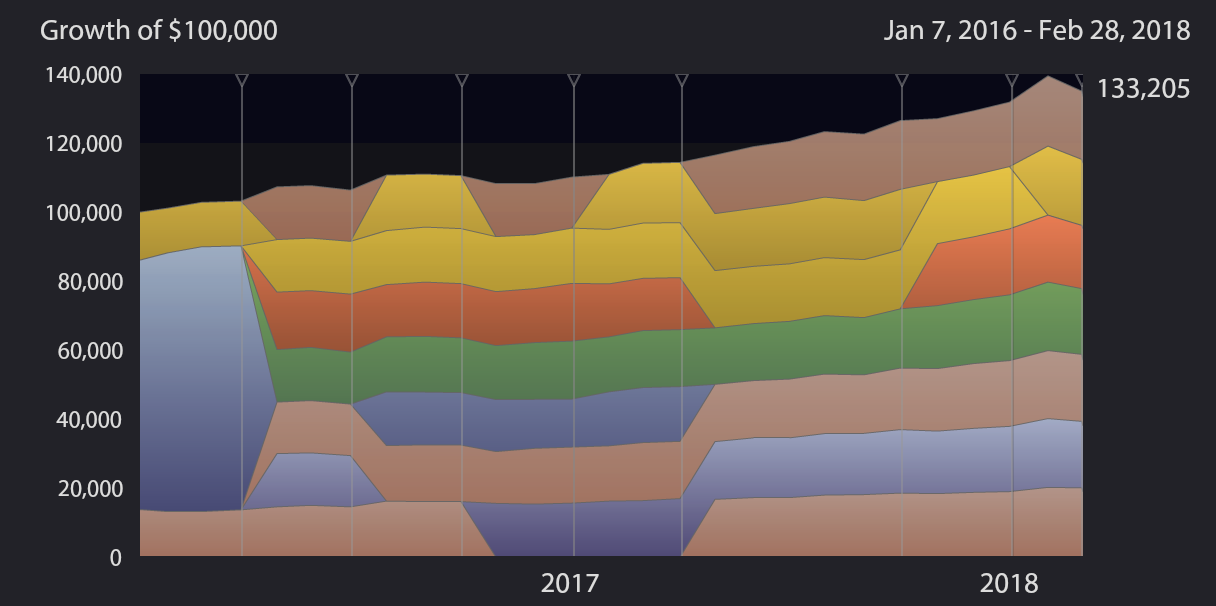
For example, visualize how positions are closed/replaced over time in the Value->positions chart:
The portfolio with history functionality is available to all subscribers at no extra cost. Note that this is available for model portfolios only.
To learn more, please read the documentation.